
REOLINK Camera
REOLINK CAMERAS ARGUS
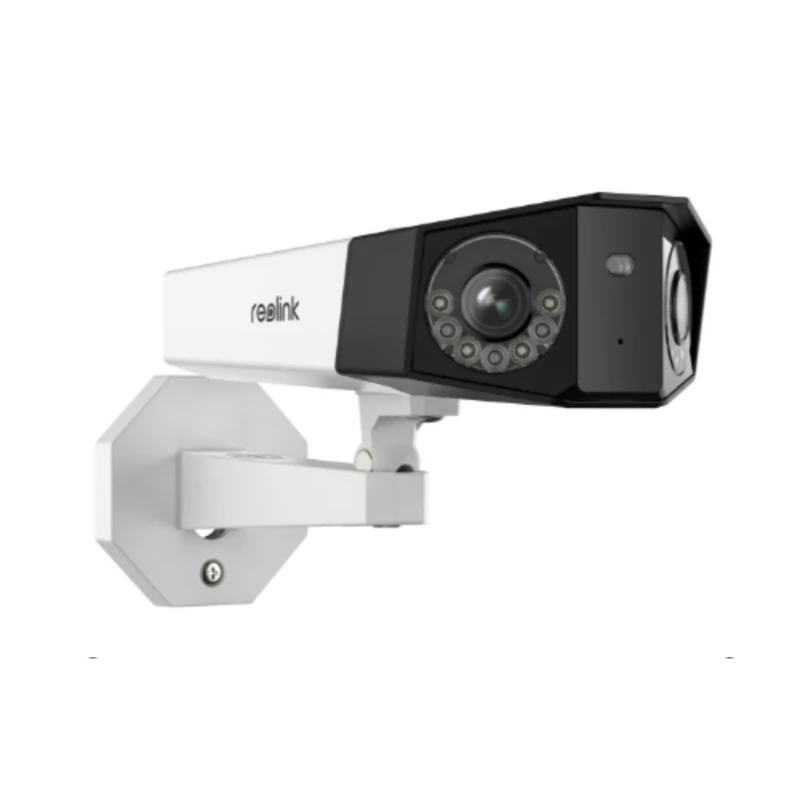
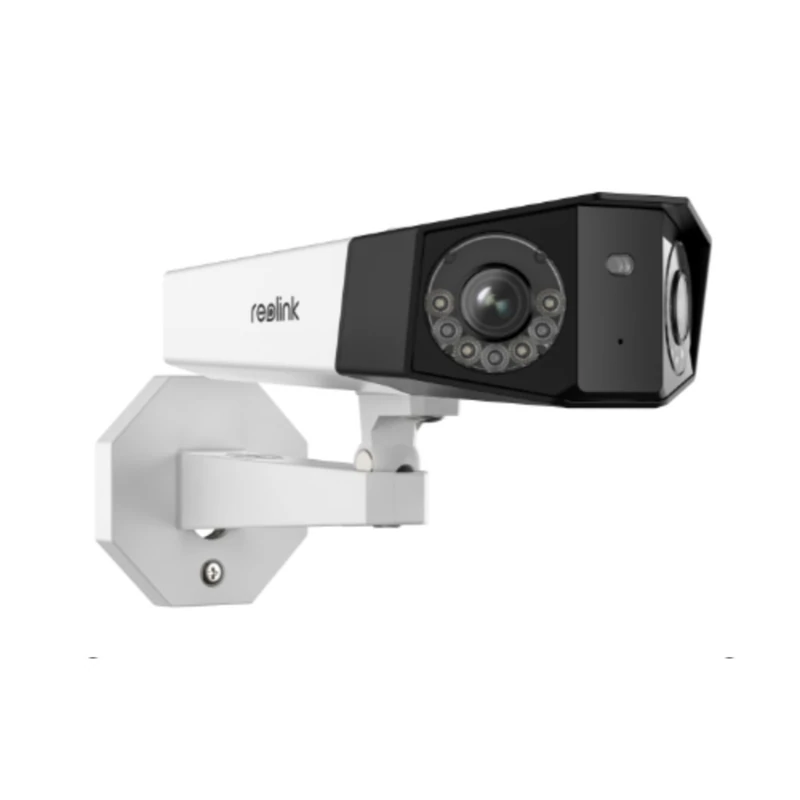
REOLINK CAMERAS DUO
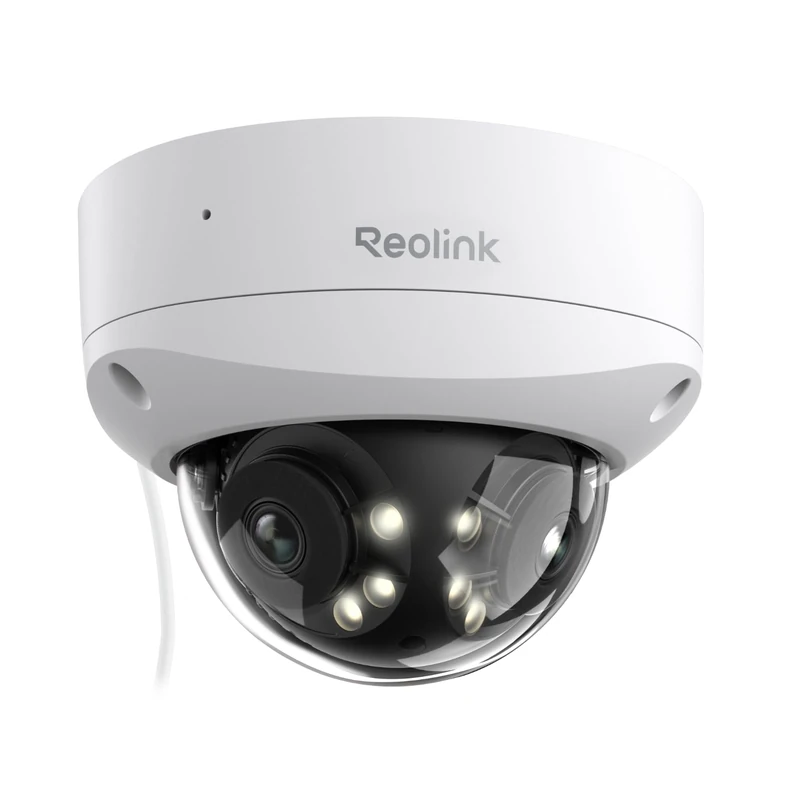
REOLINK CAMERAS E1
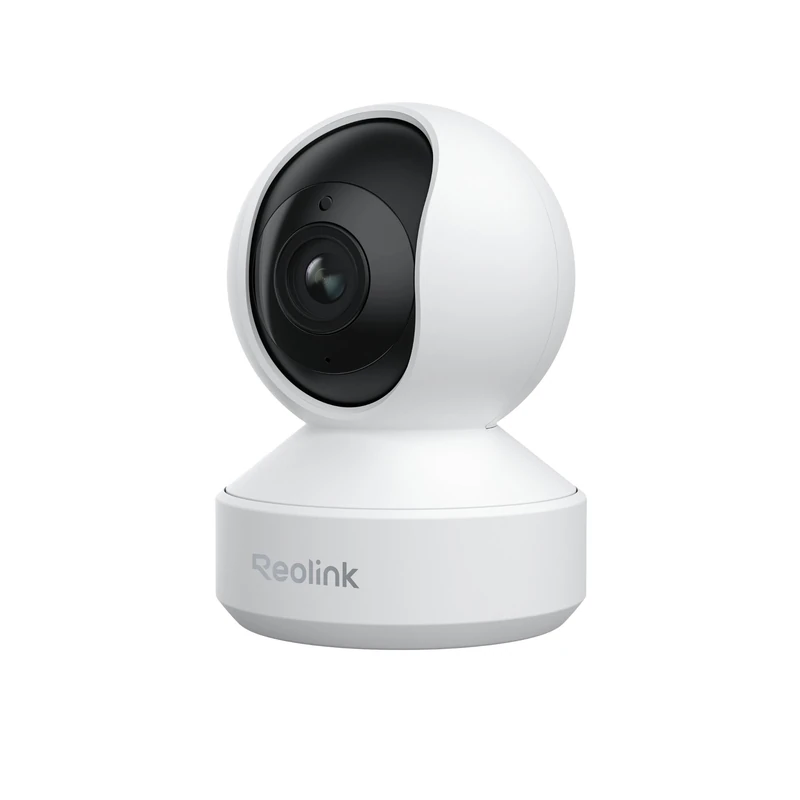
REOLINK CAMERAS GO
REOLINK CAMERAS RLC
REOLINK CAMERAS RLC
REOLINK CAMERAS TRACKMIX
By Thomas Rivière, Product Analyst — Last updated: 30 September 2026
Reolink camera buying guide 2026: choosing the right camera
Choosing a Reolink camera can seem complex given the diversity of the range. This structured guide helps you identify the ideal camera based on your situation, budget and technical needs.
Step 1: Define your main use case
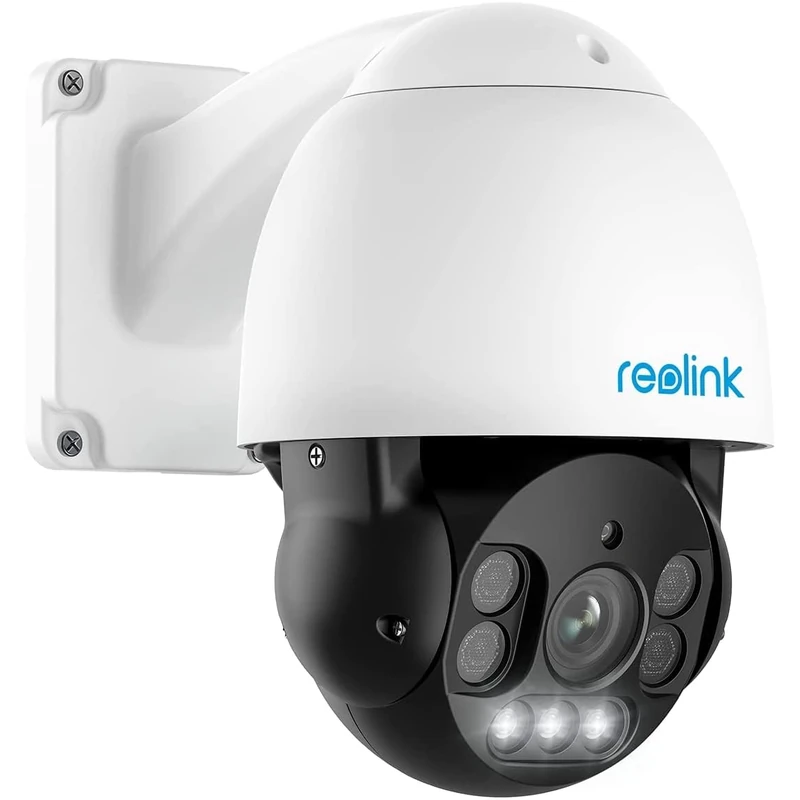
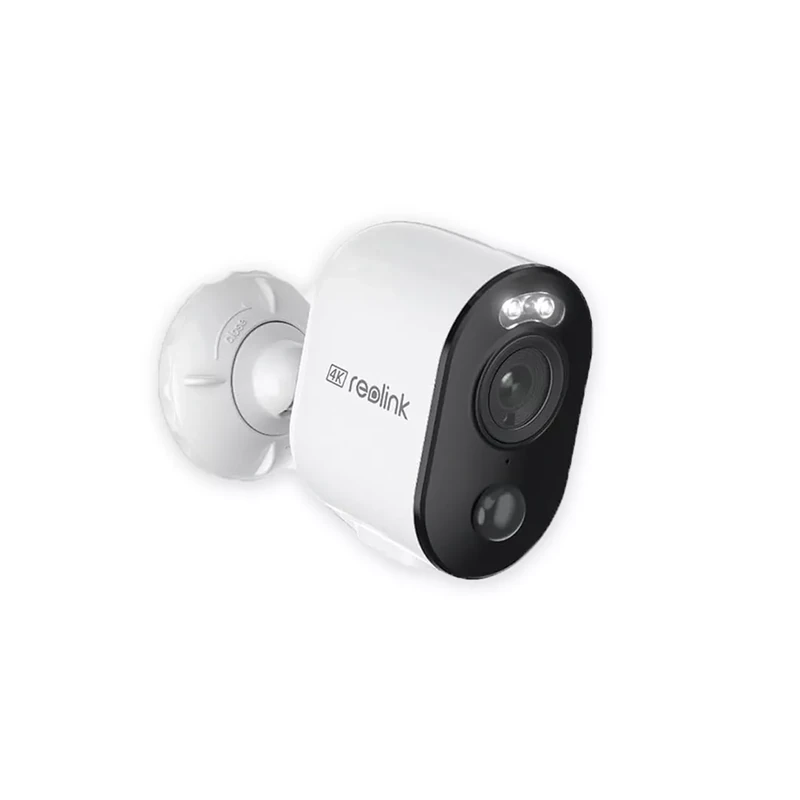
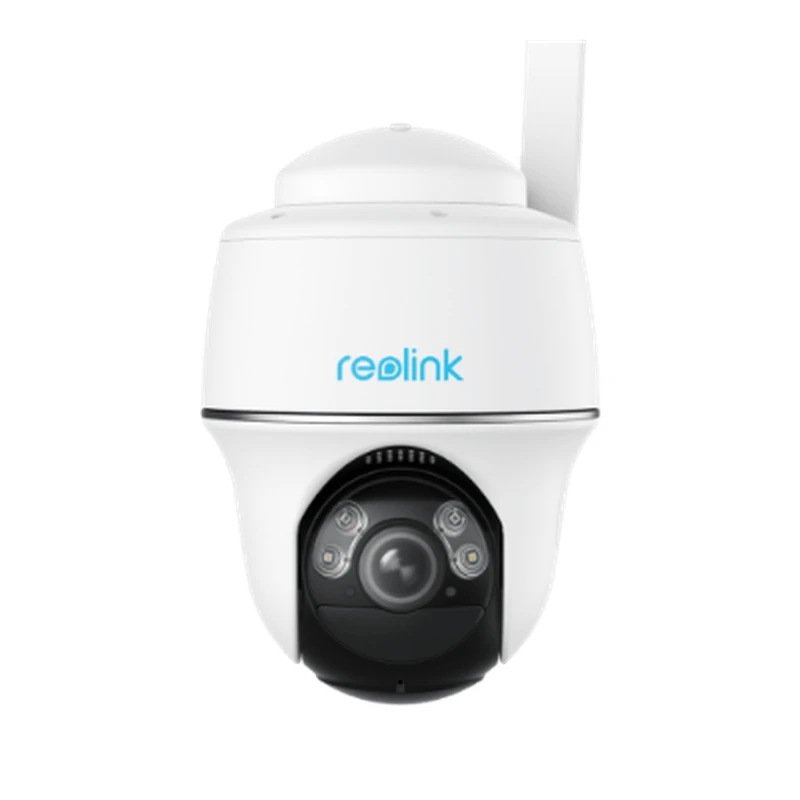
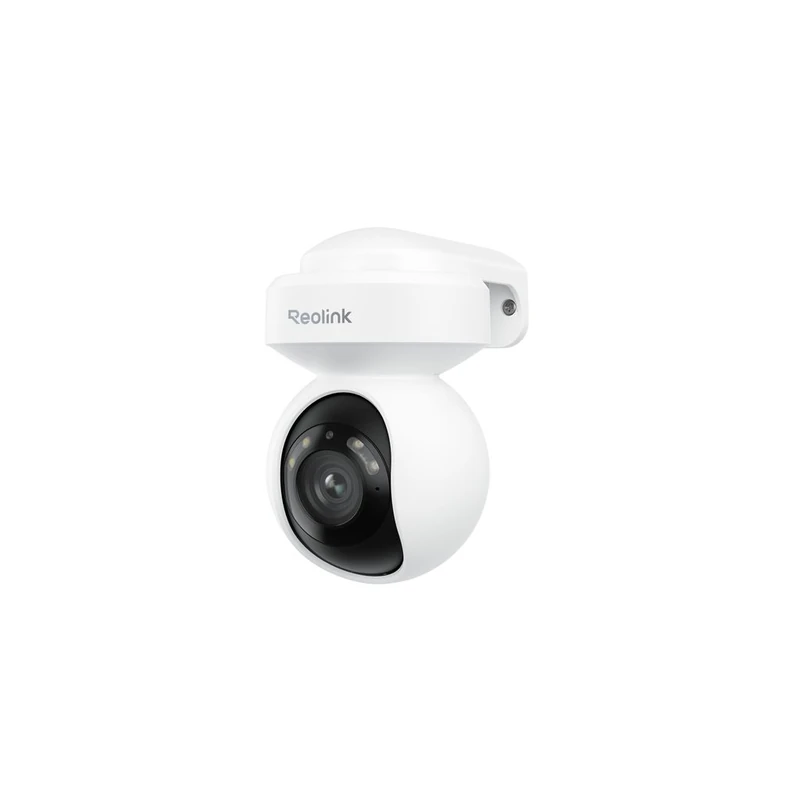
The right Reolink camera depends above all on your use case: mains power or battery, indoors or outdoors, WiFi or 4G?
Indoor surveillance
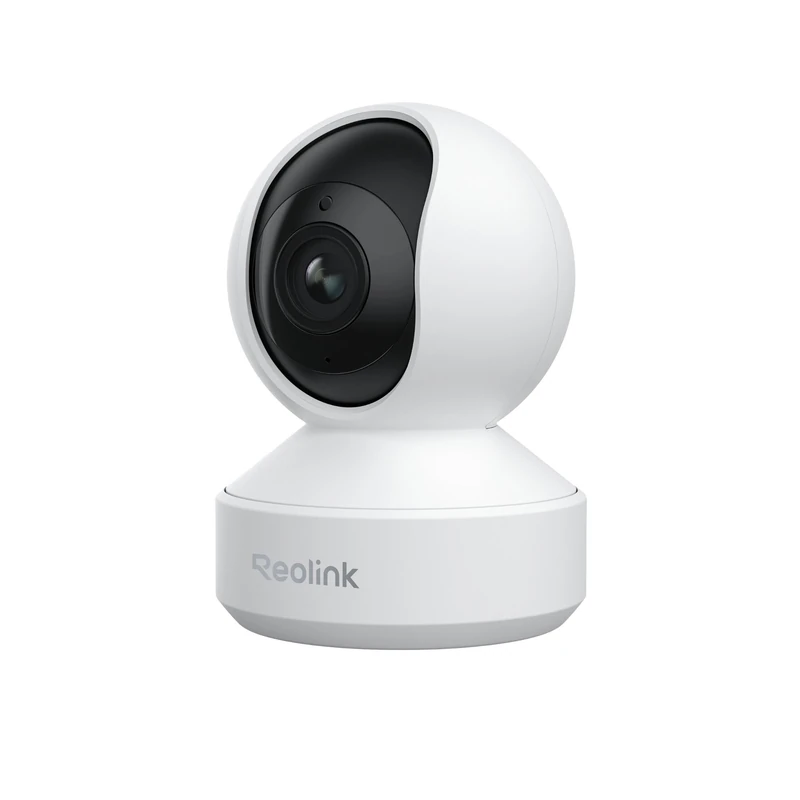
To monitor the inside of your home (baby, pets, security), opt for an indoor WiFi camera with pan/tilt:
- Budget: E1 Pro (~£35)
- Premium: E1 Outdoor Pro 4K (~£55)
- WiFi: RLC-810A or RLC-823A (~£50–60)
- PoE: RLC-820A (~£45) — requires a PoE switch or NVR
- Short term: Argus 3 Pro (~£55)
- Unlimited battery life: Argus 3 Pro + solar panel (~£85)
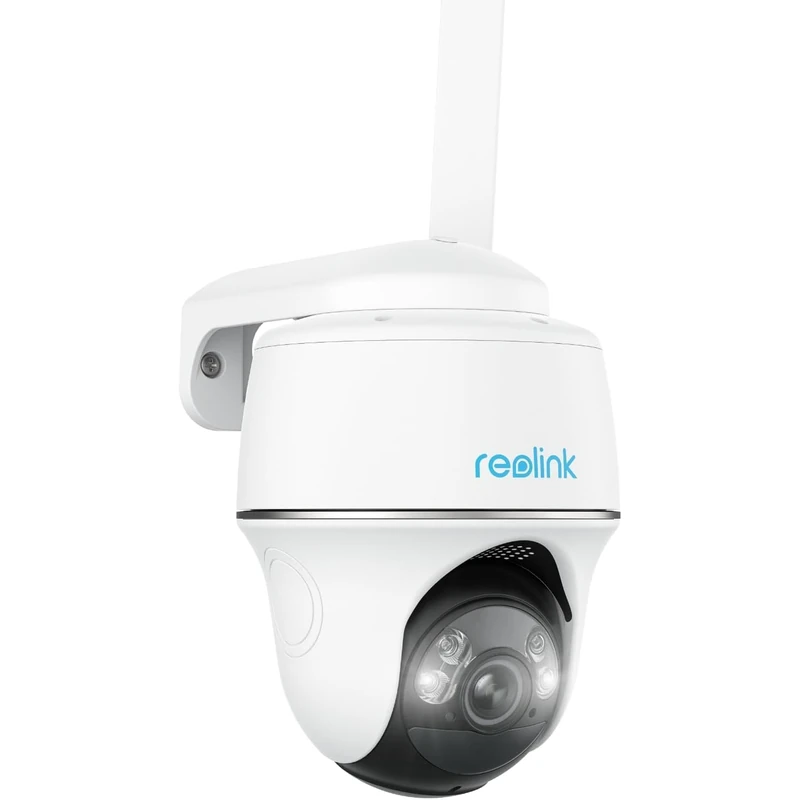
- High end: Argus PT Ultra 4K + solar panel (~£110)
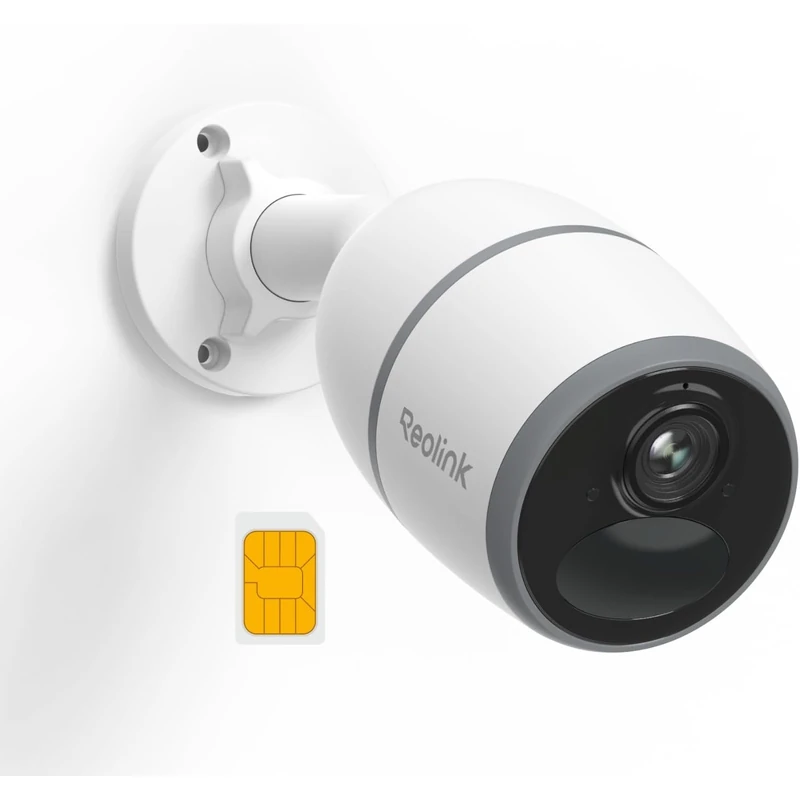
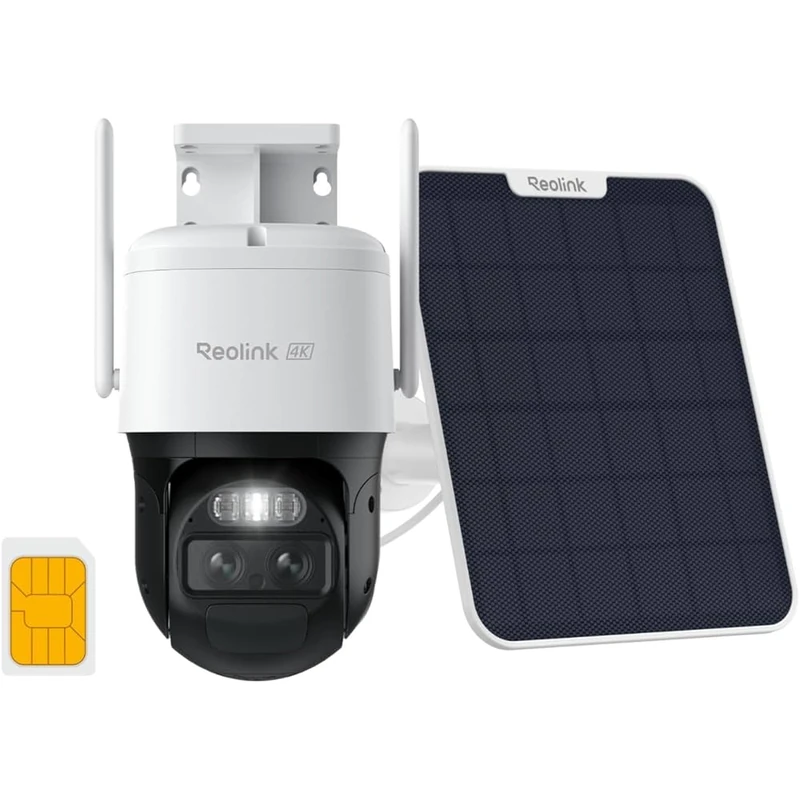
- Standard: Go PT Plus (~£65) + SIM card
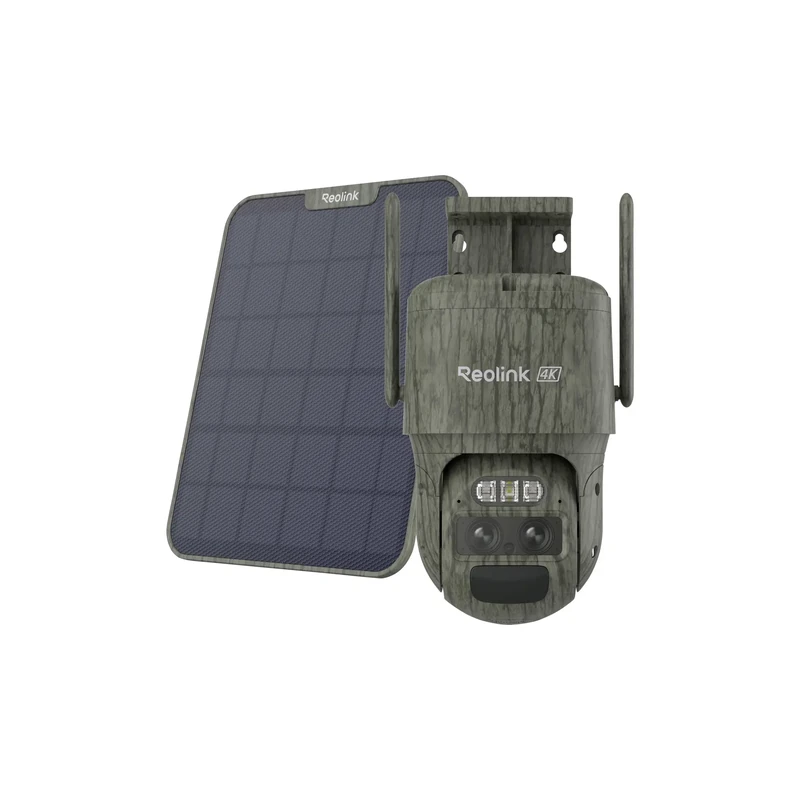
- Premium: Go PT Ultra 4K solar (~£120) + SIM card
- 4 cameras: RLK4-810B kit (~£230)
- 8 cameras: RLK8-810B kit (~£350)
- Event-based recording (not continuous)
- Simple, self-contained
- Risk of loss if camera is stolen
- Continuous 24/7 recording
- 1 to 14 TB storage
- Centralised management of all cameras
- Access from anywhere
- Monthly subscription (£3–9/month)
- Useful as a complement to local storage
For indoors, the E1 Outdoor Pro is the best compromise: 4K, motorised pan/tilt, two-way audio. The E1 Pro is ideal for a first budget.
Outdoor surveillance with power available
If you have a power outlet nearby, a fixed WiFi or PoE camera is the simplest solution:
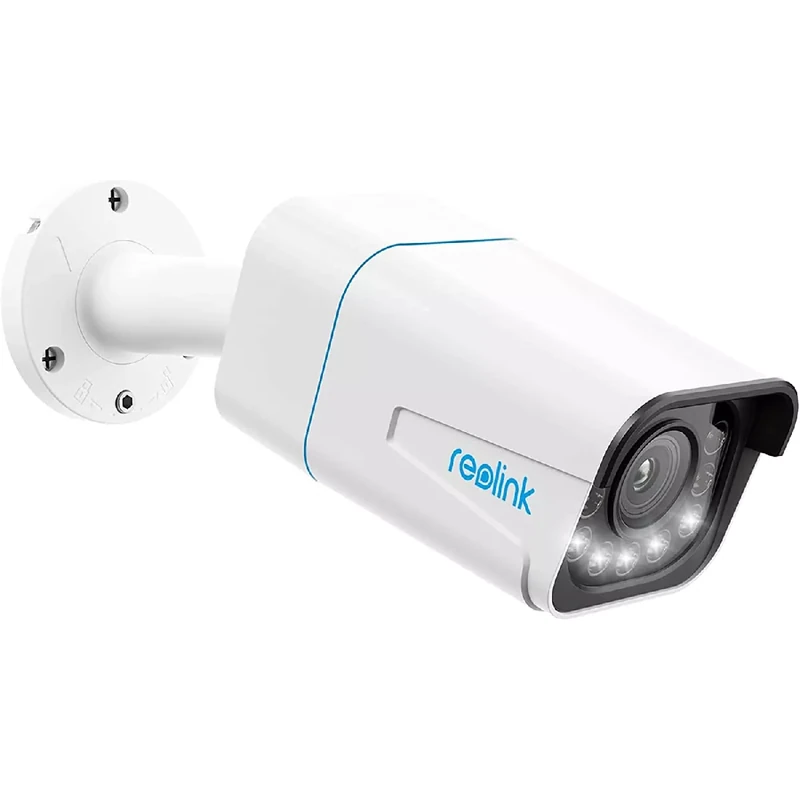
With a socket or cable available, the RLC-823A is the number one choice: colour night vision, siren, AI detection. Zero maintenance, permanent recording.
Outdoor surveillance without power
For a space without a power outlet (gate, barn, garden shed):
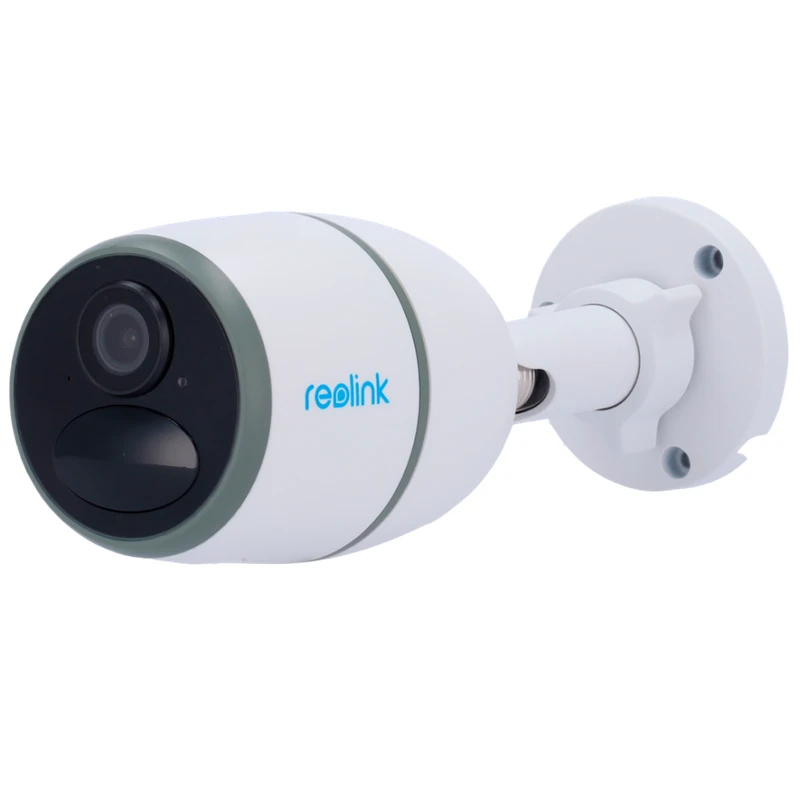
Without mains power, the Argus 3 Pro leads with its 5000 mAh battery and LED Spotlight. Combined with the Reolink solar panel, its battery life becomes unlimited.
No-WiFi zone (farmland, construction site, remote cottage)
Only 4G is possible:
Without WiFi, the Go PT Ultra is the only solution combining 4G, 4K and motorised pan/tilt. Solar powered, it monitors any site without infrastructure.
Multiple cameras for the whole house
An NVR kit offers the best value for money for 4 cameras or more:
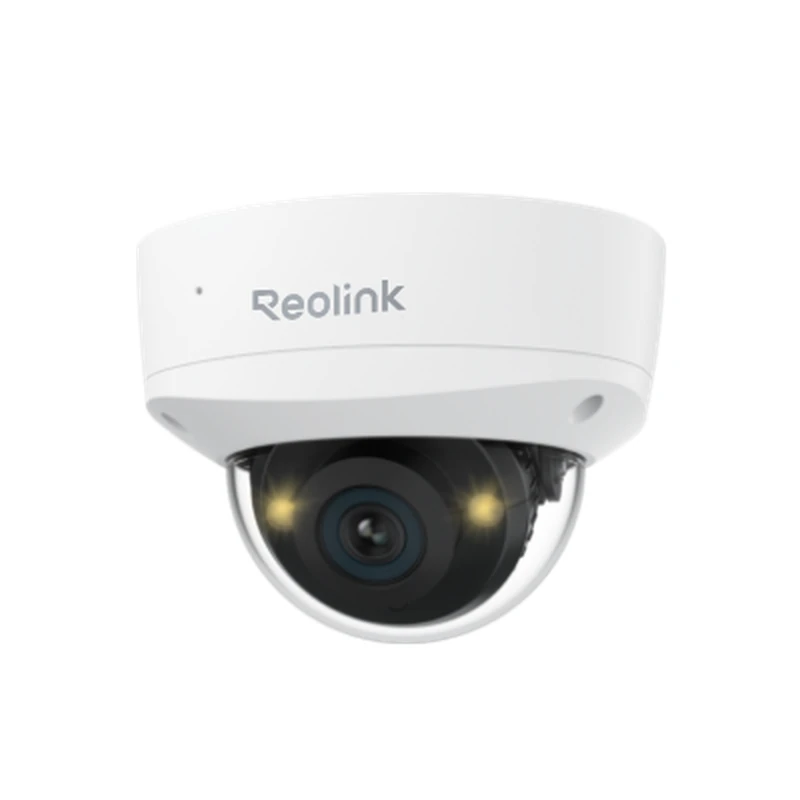
To cover an entire home, a Reolink NVR centralises up to 16 PoE RLC cameras. Everything is local — no subscription, no cloud dependency.
Step 2: Choose the resolution
| Resolution | Recommended use | Advantage |
|---|---|---|
| 2K (4 MP) | Standard use, garden | Good storage/quality ratio |
| 5 MP | Entrance, narrow corridor | Extra detail |
| 4K (8 MP) | Car park, large area | Licence plate reading, digital zoom |
For everyday use (seeing who’s at the door, checking the garden), 2K is sufficient. 4K is recommended if you need to read licence plates or identify faces at a distance.
Step 3: Storage — microSD, NVR or cloud?
microSD (£0 or £10–18 for the card):
Local NVR (£110–165):
Reolink Cloud (optional):
Step 4: Budget — how much to spend?
| Budget | Recommended solution |
|---|---|
| Under £45 | Argus Eco Ultra or E1 Pro (1 camera) |
| £45–90 | RLC-823A or Argus 3 Pro (1 camera) |
| £90–180 | Go PT Ultra (4G) or Argus PT Ultra (wireless) |
| £275–450 | RLK8-810B kit (8 complete PoE cameras) |
Frequently asked questions
What is the difference between a £35 and a £90 Reolink camera?
Entry-level models offer 2K or 5 MP resolution, basic AI detection and microSD storage. Premium models add 4K, colour night vision, motorised pan/tilt or 4G connectivity.
Do you need a subscription to use a Reolink camera?
No. All essential features (streaming, AI detection, push alerts, local storage) are available without a subscription.
Are Reolink cameras easy to install yourself?
Yes. Most WiFi models can be set up in under 15 minutes via the Reolink app. PoE cameras require running a network cable, but the rest is straightforward.
See also
See Also
Best Reolink Cameras by Budget
| Budget | Recommended Model | Primary Use | Key Strengths |
|---|---|---|---|
| Under £40 | Reolink E1 Pro | Indoor — baby, pets | 355° pan-tilt, 5 MP, Alexa |
| £40 – £70 | Reolink Argus 2E | Outdoor wireless | Battery + solar, IP65, 5 MP |
| £70 – £90 | Reolink RLC-810A | Outdoor wired PoE | 4K, AI detection, reliable 24/7 |
| £90 – £120 | Reolink Argus 3 Pro | Premium outdoor wireless | 4K, Colorvu night vision, solar |
| £120 – £160 | Reolink Go Plus | No-WiFi zones (4G) | 4G LTE, solar battery, 2K |
| Over £160 | NVR Kit + 4× RLC-810A | Complete multi-camera system | Local storage, 4× 4K, scalable |
The 5 Decisive Technical Criteria When Buying a Reolink Camera
1. Resolution: 2K (5 MP) is sufficient to identify faces at 5–8 metres; 4K is needed to digitally zoom on a detail (number plate, face at distance). 2. Night vision: standard IR is adequate for detecting presence; colour night vision (integrated white LED) enables identification of colours and characteristics of individuals and vehicles at night. 3. Storage: microSD for free local recording, NVR for multi-camera systems, cloud as an optional addition for remote access without a local NVR.
4. Connectivity: PoE for maximum stability, WiFi for installation flexibility, 4G for areas without a local network. 5. IP rating: IP65 minimum for outdoor use (water jet resistance), IP67 recommended for exposed or coastal locations. These five criteria are sufficient to identify the right model within the Reolink range, whatever your starting budget.
Frequently Asked Questions — Reolink Buying Guide
How many cameras do I need for a standard detached house?
As a rule of thumb: one camera per main elevation plus one at the front door. For an average house with a garden, 3 to 4 cameras provide complete coverage without blind spots. A Reolink 4-channel NVR kit is perfectly suited.
Is it better to buy a Reolink kit or individual cameras?
A kit (NVR + cameras) is cheaper per unit and guarantees full compatibility. Individual cameras offer more flexibility to mix ranges. Start with a kit if you are equipping a whole property in one go.
Is there a mandatory subscription with Reolink cameras?
No. The Reolink app, remote access and local microSD recording are entirely free. The paid Reolink Cloud service is an option, not a requirement.
Are Reolink cameras compatible with older NVRs?
Reolink PoE cameras support the ONVIF protocol, ensuring compatibility with most third-party NVRs. Full compatibility (AI detection, centralised management) is guaranteed with official Reolink NVRs only.
What warranty does Reolink offer on its cameras?
Reolink offers a 2-year manufacturer warranty across its entire range. Technical support is available via email and live chat, with free firmware updates distributed regularly through the app.
Your installation constraints (power access, WiFi range) should narrow the field before you compare resolution or AI features — most buying mistakes come from skipping this step.