REOLINK Camera
REOLINK CAMERAS ARGUS
REOLINK CAMERAS DUO
REOLINK CAMERAS E1
REOLINK CAMERAS GO
REOLINK CAMERAS RLC
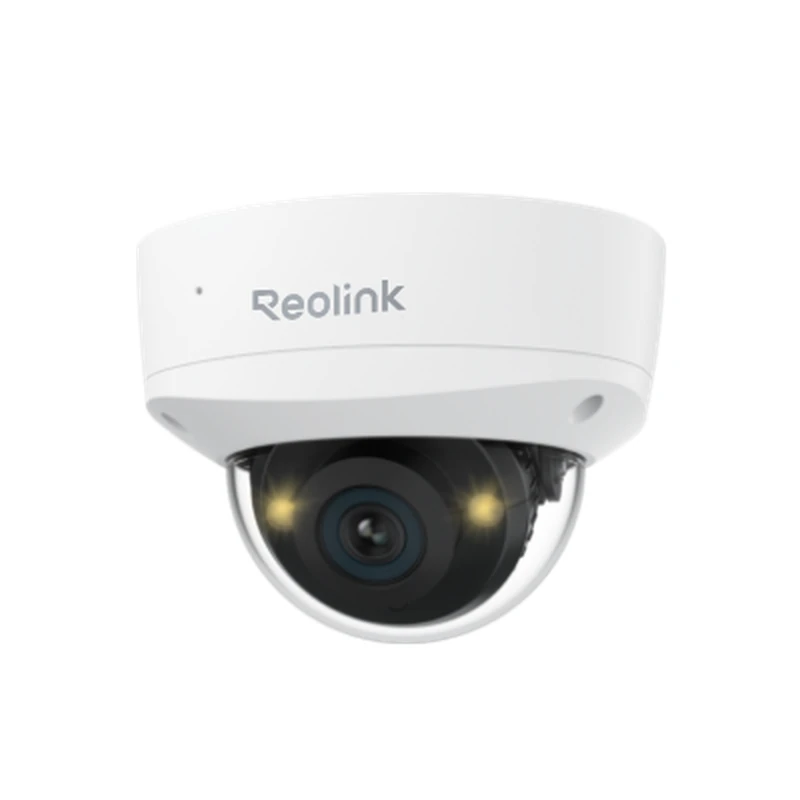
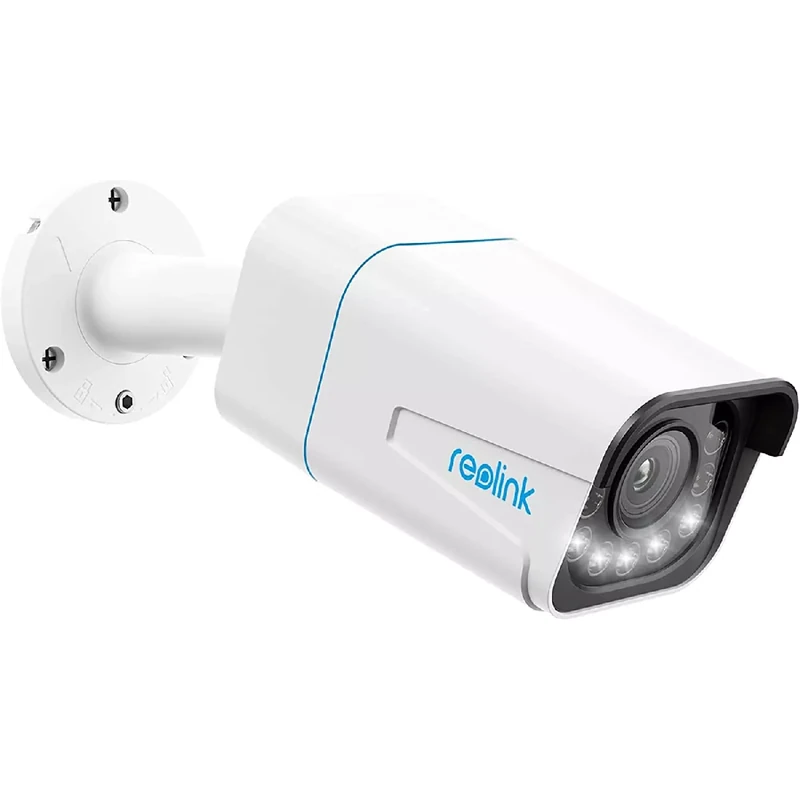
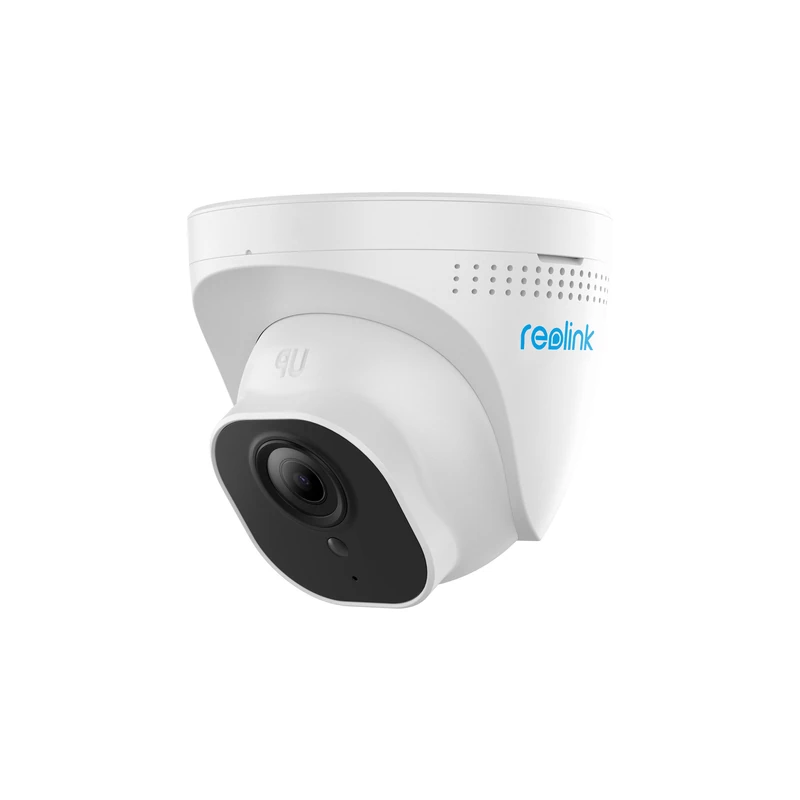
REOLINK CAMERAS RLC
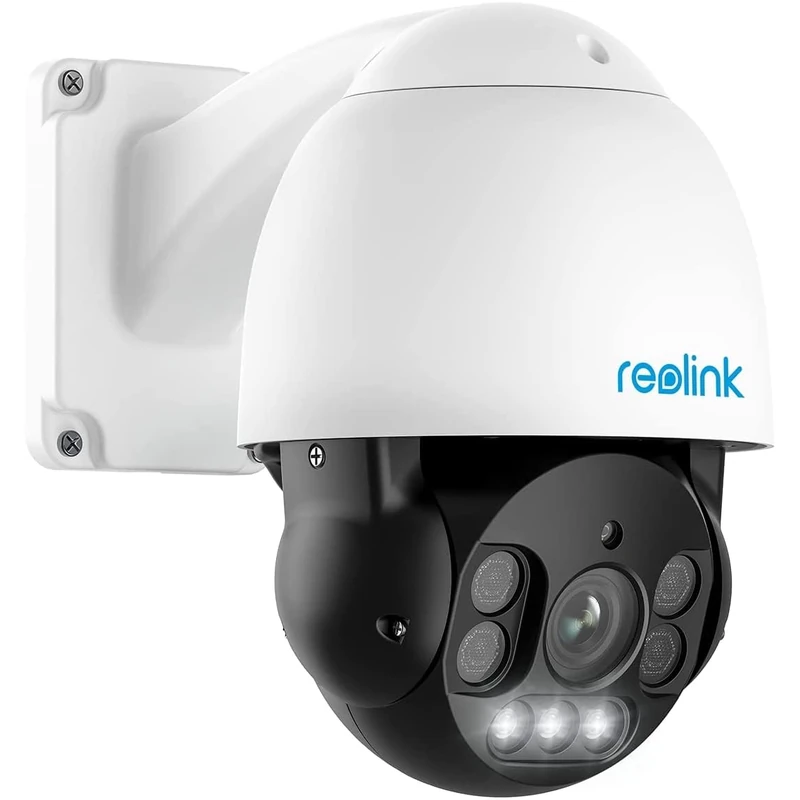
REOLINK CAMERAS TRACKMIX
By Thomas Rivière, Product Analyst — Last updated: 30 September 2026
Reolink and smart home: integration guide 2026
Reolink cameras integrate into many home automation ecosystems. Whether you use Amazon Alexa, Google Home, Home Assistant or a Synology NAS, this guide explains how to connect your Reolink cameras to your smart home setup.
Official Reolink compatibilities
Amazon Alexa
Most recent Reolink WiFi and PoE cameras are compatible with Amazon Alexa. You can display the live video stream on an Echo Show or Fire TV via voice command “Alexa, show me the front door camera”.
Setup:
1. In the Alexa app, enable the “Reolink” skill
2. Connect your Reolink account
3. Cameras appear automatically
Compatible models: Most Reolink WiFi cameras (RLC-810A, RLC-823A, Argus 3 Pro, E1 Pro, E1 Outdoor Pro).
Google Home / Google Assistant
Reolink cameras compatible with Google Home display on Chromecast, Google Nest Hub and Nest Hub Max via voice command.
Setup:
1. Open Google Home → Add device
2. Select “Works with Google” → Reolink
3. Connect your account
Apple HomeKit
Native HomeKit compatibility is limited with Reolink. Official HomeKit models are rare. To integrate a Reolink camera into HomeKit, the recommended solution is Scrypted or Homebridge via RTSP.
Advanced integration via RTSP
The RTSP stream is available on all Reolink PoE cameras and most recent WiFi cameras. It enables integration with:
Home Assistant
In Home Assistant, the simplest route is the official Reolink integration: Settings → Devices & Services → Add Integration → Reolink, then enter the camera’s IP address and a local admin username and password (the password may only contain letters, digits and @$*~_-+=!?.,:;'()[]). No RTSP address is needed.
To use the raw RTSP stream instead (for example with the Generic Camera integration), enter this address in the Stream Source field:
rtsp://USERNAME:PASSWORD@CAMERA_IP:554/h264Preview_01_mainReplace USERNAME, PASSWORD and CAMERA_IP with your camera’s values. Use h265Preview_01_main on 4K cameras that stream in H.265, and h264Preview_01_sub for the lower-resolution sub-stream.
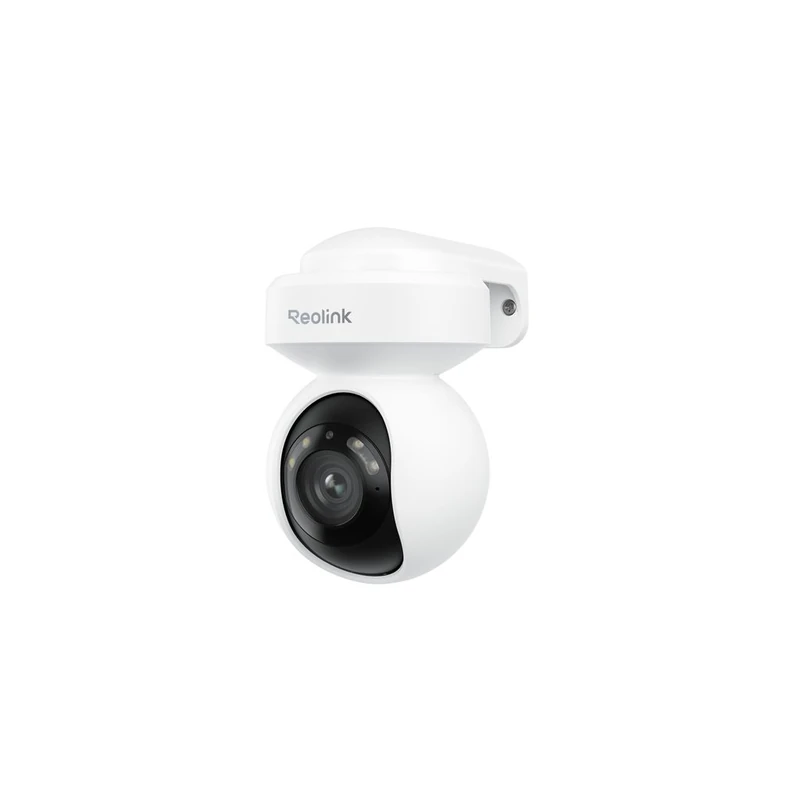
Home Assistant integrates Reolink via RTSP for advanced automation: AI-triggered recording, image snapshot notifications, dashboard integration.
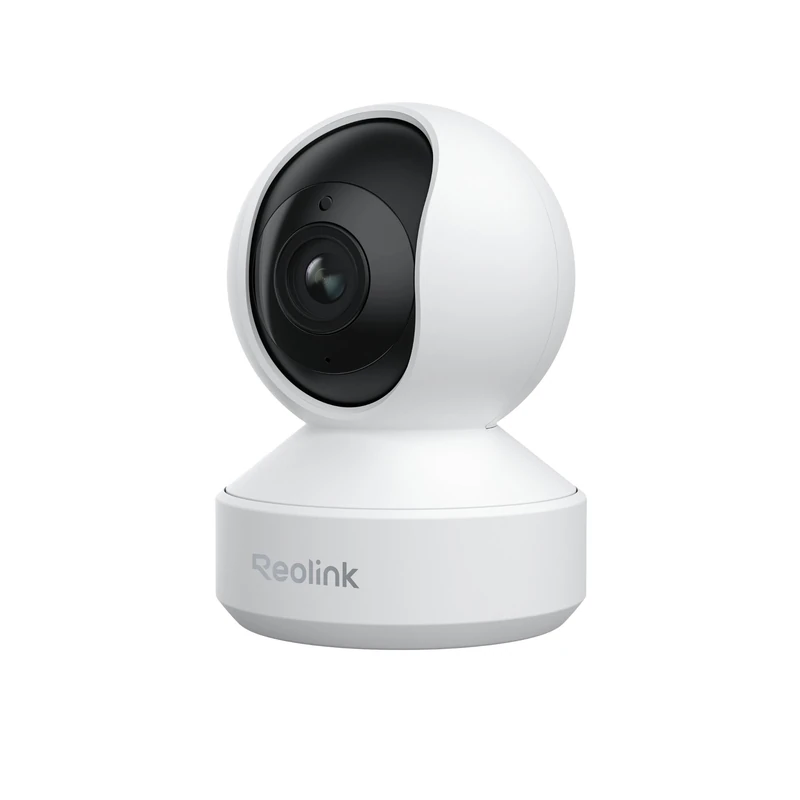
Alexa voice commands work with all Reolink WiFi cameras — simply ask Alexa to show the doorbell camera feed on an Amazon Echo Show.
stream_source: rtsp://[user]:[pass]@[IP]/h264Preview_01_mainname: Reolink Front Door CameraMotion detection can be relayed via MQTT or Reolink webhooks.
Synology Surveillance Station
Reolink PoE and WiFi cameras are compatible with Synology Surveillance Station via ONVIF. Add the camera by selecting the Reolink or generic ONVIF profile.
Blue Iris (Windows)
Blue Iris supports Reolink cameras via RTSP and ONVIF. Configuration: add the camera with the Reolink RTSP URL (available in the Reolink app settings).
Frigate (open source NVR)
Frigate is very popular with Home Assistant for local AI detection. Reolink cameras in RTSP work perfectly with Frigate for local object detection (without cloud).
Possible automations
| Trigger | Possible action |
|---|---|
| Human detection by camera | Turn on outdoor lights |
| Vehicle detection | Push notification + photo capture |
| Camera siren activated | Send email + SMS |
| Motion detected at night | Activate home alarm mode |
Reolink and MQTT
Some Reolink cameras can publish motion detection events and camera states via MQTT, allowing tight integration with Home Assistant and Node-RED automations. To enable MQTT on a compatible Reolink camera, open the Reolink app, go to Settings → Notifications and configure the MQTT broker address, port and credentials. Once connected, motion triggers appear as MQTT messages that your automation platform can subscribe to and act on — for example, switching on a smart light or sending an alert to your phone.
Frequently asked questions
RTSP integration gives the most flexibility but requires more setup than Alexa or Google Home — pick based on how much configuration you’re willing to do, not just feature lists.
Does Reolink support the Matter protocol?
Not yet officially. Matter (the new home automation standard) is not supported by current Reolink cameras, but future updates may integrate it.
Do Reolink cameras work with Home Assistant via RTSP?
Yes, via the RTSP stream and the generic camera integration. The Home Assistant community has documentation for integrating RTSP cameras.
Can you completely disable Reolink cloud access?
Yes. Reolink cameras can operate in 100% local mode (without connecting to Reolink servers) by disabling P2P in the network settings.
See also
See Also
Reolink and Voice Assistants: Alexa and Google Home
Recent Reolink WiFi cameras are certified compatible with Amazon Alexa and Google Home, enabling you to display a live video feed on a connected screen (Echo Show, Nest Hub, Fire TV Stick, Chromecast) with a simple voice command. With Alexa: say “Alexa, show the front door camera” and the live feed appears instantly on your Echo Show 8 or 15. With Google Home: supported Reolink cameras integrate into the Home app and can be displayed on any compatible Nest or Chromecast screen. This integration requires no additional smart home hub — it is set up directly through the Alexa or Google Home app using the dedicated skills and services.
For users wanting to go further, the RTSP protocol on Reolink cameras enables integration with advanced home automation platforms such as Home Assistant, Hubitat or Apple HomeKit (via third-party bridges). The video feed is then embedded in personalised dashboards, with complex automations triggered by Reolink motion detection combined with other smart home sensors (door sensors, alarms, lighting).
Smart Home Automations and Scenarios with Reolink
IFTTT integration opens a wide range of automations: when a Reolink camera detects motion, you can automatically trigger a Philips Hue light, send an email or Telegram notification, activate a smart siren or lock a smart door lock. These scenarios are configured without any coding, through the IFTTT interface in a few clicks.
In Home Assistant, Reolink cameras have an official integration (since HA 2023.6) providing access to real-time detection events, automations based on the presence of people or vehicles, and live feeds in Lovelace dashboards. Reolink also offers multi-user sharing from its app: each family member can receive alerts and view feeds on their own smartphone, with configurable permission levels (view only or full access) per camera.
Frequently Asked Questions — Reolink and Smart Home
Are all Reolink cameras compatible with Alexa?
No. Alexa compatibility mainly applies to recent WiFi cameras (Argus, E1, RLC-810A). Check for the “Works with Alexa” badge on the product listing before purchasing. 4G Go models are generally not Alexa-compatible.
Can Reolink cameras be integrated into Home Assistant?
Yes, via the official Reolink integration in Home Assistant (since version 2023.6) or via RTSP stream. You gain access to detection events, live streams and camera controls within your HA automations.
Can Reolink motion detection trigger a smart light?
Yes, via IFTTT (using dedicated applets) or Home Assistant (automation linking a Reolink event to a smart switch or bulb). This type of scenario enhances deterrence and can reduce false alarms.
Can multiple people monitor the same Reolink cameras?
Yes. Reolink sharing allows you to invite up to 20 additional users to access cameras from their own app, with configurable permissions (view only or full access) per camera.
Can I display Reolink cameras on an Android TV?
Yes, via the Reolink app available on the Google Play Store for Android TV, or by casting via Chromecast from the mobile app. The feed appears on screen within seconds from any room in the house.